All prompts
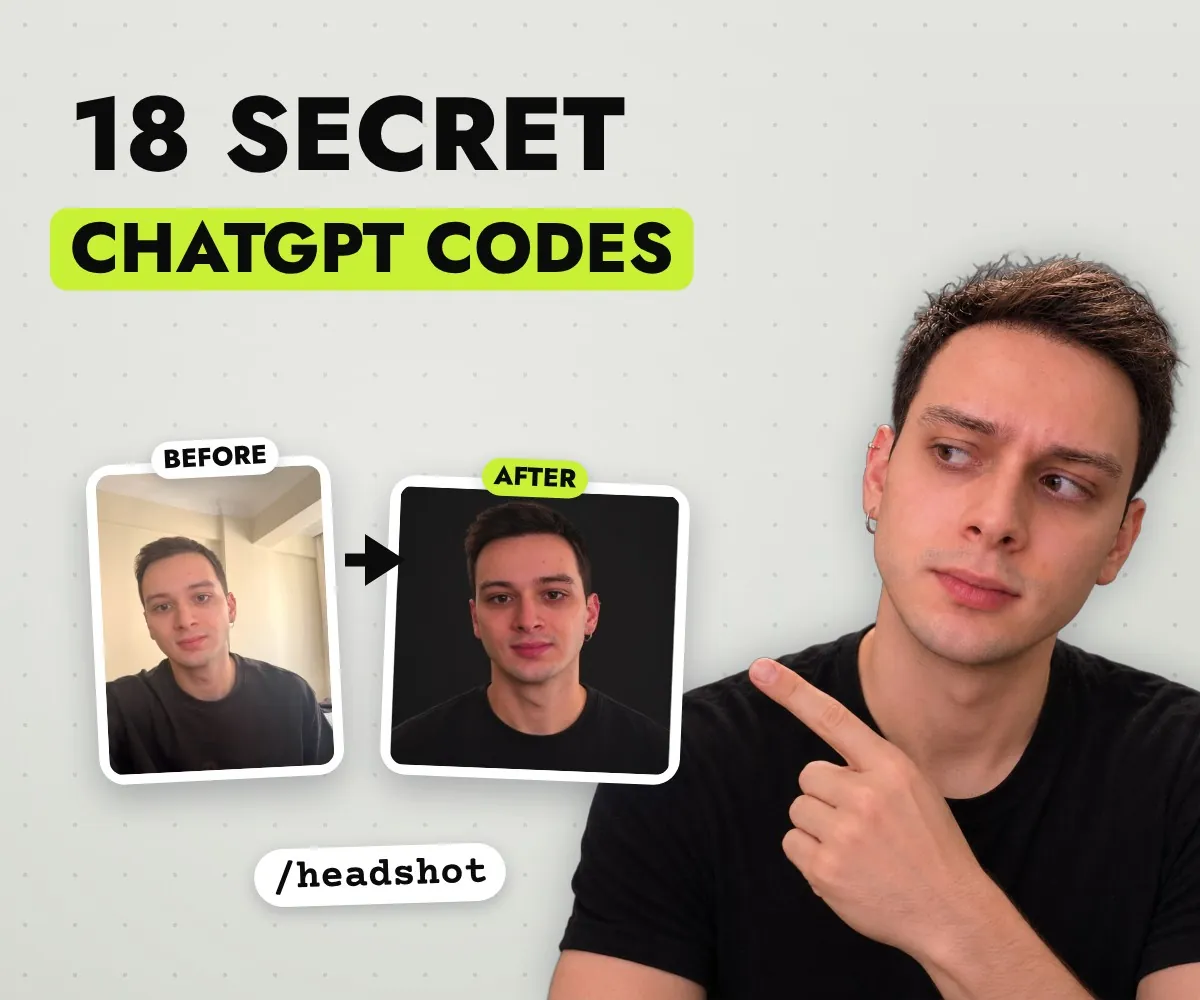
18 ChatGPT photo codes
Instead of writing a long prompt every time you edit a photo in ChatGPT, you can send a short code. Each one below tells ChatGPT exactly what to do with the picture you upload: turn a selfie into a LinkedIn headshot, remove text, swap the background, upscale a tiny image and more. Tap any code to copy it.
The codes
- 1/headshotTurns a selfie into a professional LinkedIn photo
- 2/remove-textRemoves the text from a photo without a trace
- 3/togetherPuts two people from different photos in one shot (upload both)
- 4/upscaleBoosts the resolution of a tiny photo
- 5/removepeoplebgRemoves the people behind your subject
- 6/blurfaceBlurs every face except the main one
- 7/deblurFixes a blurry photo
- 8/productexplosionAn exploded 3D view of the product
- 9/remove-glareRemoves window reflections
- 10/newbgSwaps the background
- 11/adcreativeBuilds a full ad around the product
- 12/skinproAn enhanced version of the portrait
- 13/360viewThe product from every angle
- 14/minimalposterA clean, minimalist poster
- 15/microscopicThe product under a microscope
- 16/herooffer-minimalA professional promo graphic
- 17/cleanflyerA flyer that doesn't look AI-made
- 18/handwrittenTurns the product into a hand-drawn breakdown
HOW TO USE
- Open a new chat in ChatGPT and upload your photo.
- Paste one code as the message.
- Send. Add a short note if you want a specific look.
MORE PROMPTS Claude budget audit→